
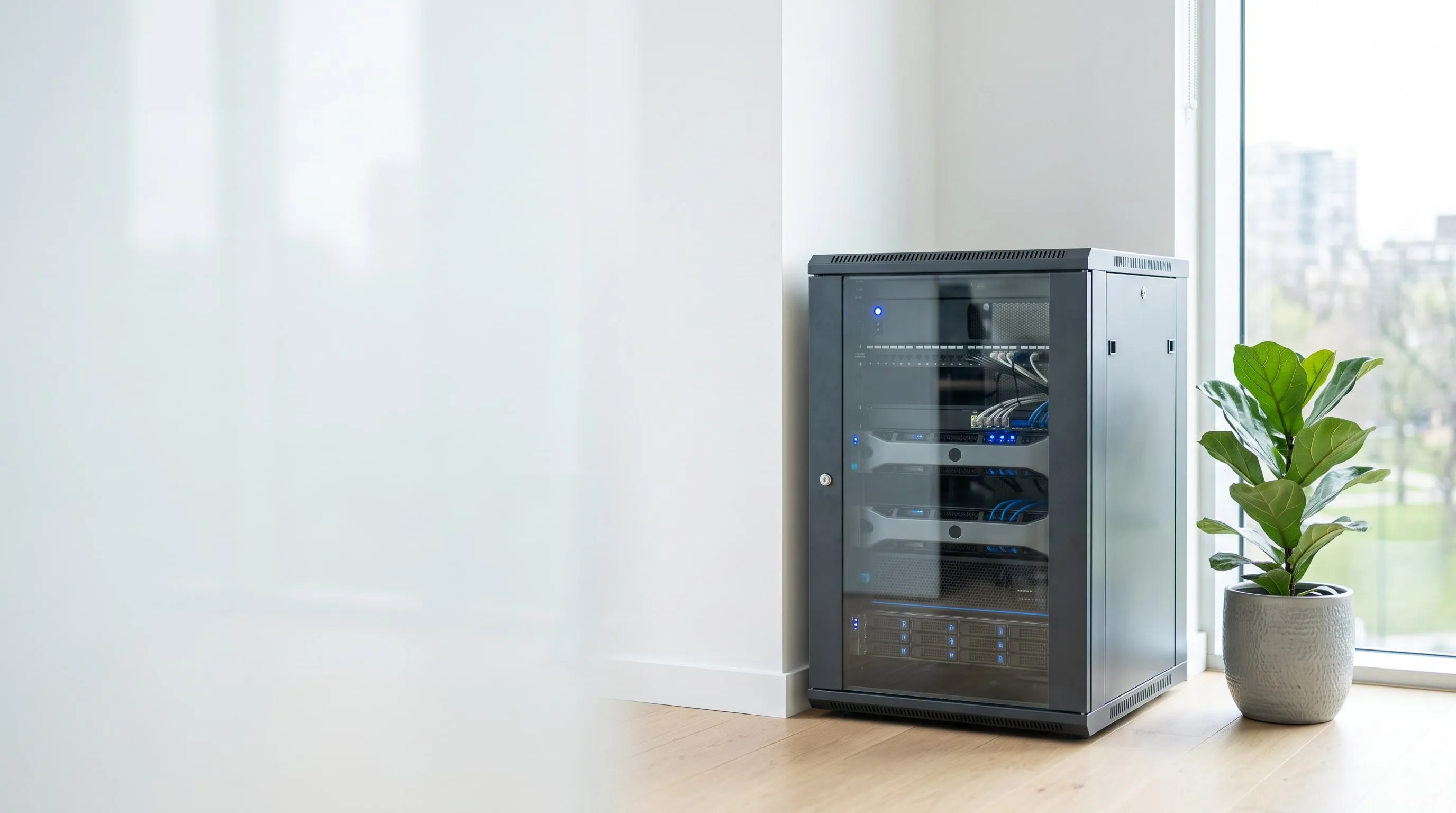
You may not need to move. But someone does need to run your systems.
At many companies the server isn’t on-site because that’s just how things turned out—it’s there because it has to be: production control, measuring instruments, a camera system, access control, a large file store, a vendor requirement of a business application, or a data-handling rule that allows nothing else. For us, this isn’t an obstacle—it’s a service model. We operate the systems at your own site with the same procedures, monitoring and backup regime as the environments running in our own data center.
And if a combination of the two is the right answer, we build that too—your site and the data center then form a single, jointly monitored system, not two separate worlds.
There are three paths: with us, with you, or both. We operate all three.
The three models
| Model | Where the system runs | Who it’s for |
|---|---|---|
| On-premises operations | Entirely at your site | Where the hardware physically has to be there, or the investment has already been made |
| Hybrid | Partly at your site, partly in the Triox data center | Where the critical system runs locally but needs independent backup, a replica or extra capacity behind it |
| Data center (hosting) | Entirely with us | Where maintaining a server room makes no sense |
You can move between the three models. You don’t have to decide the end state now—many of our clients start with on-premises operations and move toward hybrid or the data center at the end of the hardware life cycle. At that point the switch isn’t a project shock, because by then we already know the system.
If you opt for full outsourcing, see the DCaaS and IaaS pages; for the data center infrastructure behind them, see the Technology page.
1. Your system can stay where it is
Replacing an existing server fleet isn’t always justified, and it isn’t always possible. In some places production control, the measurement system or a large file store means the server physically belongs on-site—and in others, the hardware was simply bought two years ago. We don’t treat this as a temporary state. We fully operate the environment at your own site: from the hypervisor through operating systems and databases to backup, with the same documented procedures we use for our own data center.
The quality of operations doesn’t depend on where the rack stands. It depends on who opens the monitoring console in the morning.
Technical details
- Full-stack responsibility: hypervisor, operating systems, database and application servers, directory, network, backup—not just “the server”
- Documented environment: assessment, system documentation, change tracking—at handover and on an ongoing basis
- Regular, automated infrastructure audit: reported, verifiable status
- Taking over existing hardware: Dell PowerEdge, HPE ProLiant, Lenovo/IBM servers, with iDRAC / iLO out-of-band management
- No forced platform change: what runs can keep running—migration is a separate decision, not a condition of working together
- The equipment stays yours: operations is a service, not a replacement of your equipment
2. Your site and the data center shouldn’t be two separate worlds
Hybrid systems don’t go wrong because they’re hybrid, but because they’re built along two separate teams, two separate sets of procedures and two separate backup logics. That’s when failures tend to arise exactly at the boundary between the two worlds—and exactly there, nobody owns them. With us, the on-site part and the data center part are one system, under one monitoring, with a shared directory and a shared backup regime, connected by site-to-site VPN.
Two systems with two owners: that’s the failure that belongs to no one. One system in two locations: that’s a solution.
Technical details
- Site-to-site VPN between your site and the Triox data center, on a gateway dedicated per client
- Unified directory and name resolution: extended Active Directory (an additional domain controller in the data center), shared DNS/DHCP logic
- Capacity extension: when the on-site hardware runs out, the expansion can be a virtual machine in the data center—with no hardware purchase and no delivery time
- Off-site backup and replica target for on-site systems
- Support for gradual migration: if moving does become the goal later, it happens through hybrid, step by step, without downtime
- Cloud integration: connectivity toward Microsoft 365 / Entra ID and Azure, hybrid identity
3. What nobody watches works—until it doesn’t
The typical risk of on-site systems isn’t hardware failure—it’s that nobody is watching. A full disk, a backup that has been failing for months, an expired certificate, a stopped service or a server that hasn’t been updated in two years are all failures that automated monitoring can spot days or weeks before the consequences hit. Every system we operate—on-site ones included—is under continuous, automated monitoring, and patch management with us is a scheduled, tested, traceable process, not occasional clicking around.
Good operations aren’t defined by fixing things fast. They’re defined by most failures never turning into an outage.
Technical details
- Infrastructure monitoring: network devices, servers, services, capacity and trend monitoring (LibreNMS-based)
- RMM / remote management: endpoint and server monitoring, remote intervention, device inventory
- Patch management: scheduled installation of Windows and Linux updates, tied to maintenance windows (WSUS- or RMM-based)
- Alert handling: threshold-based and event-driven alerting, with defined escalation
- Backup verification: daily checks of backup jobs—not just that they started, but that they completed
- Client reports: regular resource and status reports filtered to your own environment (host, VM, network)
- Capacity planning: forecasts based on trend data, so expansion is planned, not firefighting
Backup verification means monitoring that backup jobs run to completion. Proving that a backup can actually be restored is a separate service: Audit Restore Validation and restore testing—according to the requirements agreed in the contract.
4. An on-site backup is only worth something if it isn’t only on-site
The most common hidden risk of systems running in your own server room is that the backup sits in the same room as the production system—on the same network, on the same power, behind the same lock. In a fire, water damage, a theft or an encrypting ransomware attack, that backup is lost too. That’s why we always add an independent, off-site copy to the on-site backup in the Triox data center—local restores stay fast, and the disaster scenario is covered as well.
The question isn’t whether there’s a backup. It’s where it is, and how long it takes to be up and running again.
Technical details
- Local backup for fast restores: dedicated backup storage or NAS on-site
- Off-site copy to the Triox data center, to multiple independent physical backup targets, at multiple locations
- The 3-2-1 rule in practice: 3 copies, on 2 different media, 1 off-site
- Enterprise backup platform: Veeam Backup & Replication and Veeam Agent (for physical machines too), or alternatively Synology / Iperius / BackupChain solutions
- Application-aware backup: database- and mail-system-consistent backups (VSS or native database backup), not just file-level copies
- Retention policy: retention agreed per client, with multiple generations
A backup is not proof. A restore is.
Only a completed restore test proves that a backup can actually be restored—in an audit and in an insurance claim alike, that’s the document that counts. We perform restore tests according to the requirements agreed in the contract, as a separate service, in an isolated test environment, with an audit-compatible report.
5. Recovery isn’t a plan—it’s separate infrastructure
If your production system is on-site, then losing the site—fire, a prolonged power outage, a network outage, a serious hardware failure—means losing the whole company. Restoring from backup in that case is measured in days, because you also need hardware to run it on. That’s why, for critical workloads, we provide an off-site VM replica in our own data center: you don’t restore it, you start it.
The difference between a backup and a replica: one has to be loaded back onto something. The other just has to be started.
Technical details
- Off-site VM replica in the Triox data center, for critical workloads
- Failover to the Triox side: you reach the activated environment over the site-to-site VPN or a dedicated public IP
- Defined RTO / RPO: agreed per system—not one number for the whole company
- Failback to your site as soon as normal operation is restored
- Reduced operation is an option too: not every system needs to run at full capacity during a DR event—a cheaper, realistic level can be planned as well
- Two data center sites in Budapest, independent of each other
- Full disaster recovery test: a live test of the DR plan—according to the requirements agreed in the contract, as a separate service, with a documented report
A replica existing and a replica working are two different claims. The second is proven by a completed, documented DR test—which we perform according to the requirements agreed in the contract, as a standalone service.
6. Some things can’t be fixed remotely
On-site operations work when remote intervention is backed by physical presence: someone has to go out when a power supply dies, a disk needs replacing or a new device needs to be commissioned. Triox gives you a personal, Hungarian-language operations contact—not a ticket number in a foreign system—with a contractually fixed response time and on-site visits anywhere in Hungary.
You don’t get a call center. You get an operations engineer who knows your system.
Technical details
- Hungarian-language support, with a personal operations contact
- Contractually fixed response time and support hours—the specific values are set out in the SLA
- On-site visits anywhere in Hungary—for cases that can’t be resolved remotely
- Planned maintenance windows: updates, firmware, restarts at agreed times, outside business hours
- Up-to-date system documentation: transferable, auditable—not stored in the operator’s head
- Procurement and life-cycle support: hardware and license selection, SPLA/CSP licensing, expansion planning
- Handover assessment: a full status assessment and risk list when the service starts
What we operate—platform catalog
The list below isn’t a product catalog—it’s evidence that your system doesn’t have to be adapted to its operator. If something isn’t on the list, that doesn’t mean we don’t operate it—tell us what you run, and we’ll let you know.
Virtualization and containers
| Platform | Notes |
|---|---|
| Microsoft Hyper-V (Windows Server / Hyper-V Server) | Failover clustering (Failover Cluster), Hyper-V Replica |
| VMware vSphere / ESXi | Taking over and operating existing environments |
| Proxmox VE | KVM and LXC |
| Docker / Docker Compose | Operating containerized applications |
| Kubernetes | Container orchestration |
| Physical (bare metal) servers | Where virtualization isn’t an option (licensing restrictions, hardware dongle, performance) |
Operating system platforms
Microsoft Windows
- Windows Server 2025, 2022, 2019, 2016
- Windows Server 2012 R2 and earlier—operating legacy systems, with a risk assessment and a replacement roadmap
- Windows clients: Windows 11, Windows 10, managed with Group Policy (GPO)
- Terminal services / Remote Desktop Services (RDS), session host farm
Linux / UNIX
- Ubuntu Server LTS
- Debian
- Red Hat Enterprise Linux (RHEL)
- Rocky Linux / AlmaLinux / CentOS—including CentOS migration
- SUSE Linux Enterprise / openSUSE
- Oracle Linux
- FreeBSD
We don’t turn our backs on legacy (no longer supported) systems either: many Hungarian companies run applications that require an old platform. We can keep operating these safely in an isolated, strictly segmented environment until they’re replaced.
Directory, identity and workplace services
- Active Directory Domain Services—domain directory, GPO, OU structure, permission management
- DNS and DHCP—internal name resolution, address assignment
- Active Directory Certificate Services (internal PKI)—enterprise certificate issuance
- Microsoft Entra ID (Azure AD)—hybrid identity, Entra Connect sync
- Microsoft 365—Exchange Online, SharePoint Online, Teams, OneDrive; migration and operations
- Microsoft Exchange Server—on-premises and hybrid email
- Linux-based email—Postfix, Dovecot
- File services—Windows file server, DFS, quotas, ACL structure; Linux Samba / NFS
- Print server, network printing
- WSUS—internal update distribution
Database servers
- Microsoft SQL Server—from 2016 to 2022/2025, from Express to Enterprise; Always On availability groups, maintenance plans, backup strategy
- Firebird / InterBase—this is what runs under many Hungarian business management and invoicing systems
- PostgreSQL
- MySQL / MariaDB—under web and business applications
- Oracle Database
- MongoDB
- Redis—cache and session store
- SQLite-based applications—with file-level backup
What database operations means with us:
- Backup and retention strategy (full / differential / transaction log)
- Maintenance plans: index rebuilds, statistics, consistency checks
- Performance monitoring and identifying slow queries
- Version and service pack management, with tested updates
- Permission management and access logging
- High availability solutions (clustering, replication, log shipping)
Application and web servers
| Platform | Notes |
|---|---|
| Microsoft IIS | ASP.NET / .NET Framework and .NET (Core) applications, application pools, certificate management |
| Apache HTTP Server | Classic web serving, virtual hosts |
| nginx | Reverse proxy, load balancing, TLS termination |
| Apache Tomcat | Java web applications |
| Node.js | Run under PM2 or systemd |
| PHP-FPM | Serving PHP-based applications |
| Java runtime (JRE/JDK) | Under business and banking clients |
| FTP / SFTP service | Data exchange with partners |
| Terminal server-based application delivery (RDS) | Where the thick client of the business system runs centrally |
Business application runtime environment
We don’t provide the software vendor’s support—we provide the platform it runs on, and the backup that protects it.
- ERP and business management systems—hosting SQL- or Firebird-based Hungarian and international systems
- Microsoft Dynamics NAV / Business Central
- Payroll and HR systems, invoicing and inventory software
- Document management and records registration systems
- Server side of industry-specific and production control systems (MES, SCADA)
- Camera system and access control servers (VMS)
- Custom-built, in-house applications—where the developer is no longer available, but the system has to keep running
Network and security
- MikroTik RouterOS—routing, firewall, VPN, VLAN
- Cisco network devices
- Fortinet / pfSense / OPNsense firewalls
- VLAN-based or physical segmentation—a two-tier split: an internal (database, application) and a public (web, mail) layer
- VPN—site-to-site and remote access (IPsec, WireGuard, OpenVPN, SSTP)
- Wi-Fi infrastructure, with a separated guest network
- Certificate management—public and internal TLS certificates, with expiration monitoring
- Endpoint protection monitoring, with a central console
Storage, backup, hardware
- Server platforms: Dell PowerEdge, HPE ProLiant, Lenovo / IBM—with iDRAC, iLO out-of-band management
- Storage: RAID arrays, SAN / iSCSI, NAS (Synology and similar)
- Backup: Veeam Backup & Replication, Veeam Agent, Synology backup solutions, Iperius, BackupChain, Windows Server Backup
- Uninterruptible power supply (UPS) monitoring, graceful shutdown during power outages
- Hardware life cycle: warranty and support tracking, expansion and replacement planning
Monitoring, management, automation
- LibreNMS—network and server monitoring
- RMM platform—endpoint and server monitoring, remote intervention, inventory
- WSUS / RMM-based patch management
- PowerShell and Bash automation—recurring tasks, reports, audits
- Automated infrastructure auditing and reporting—a documented, verifiable environment
- License optimization—SPLA and CSP licensing, core-based Windows Server license calculation
Let’s look together at what you run today
For most companies the question isn’t cloud versus your own server—it’s which system belongs where. That can’t be answered from a price list. Let’s look together at what you run today, what it costs in operations and in risk, and what the smallest change is that improves things the most.
The assessment is not a commitment. At the end you get a documented snapshot of the current state and a risk list—even if you don’t continue working with us.