
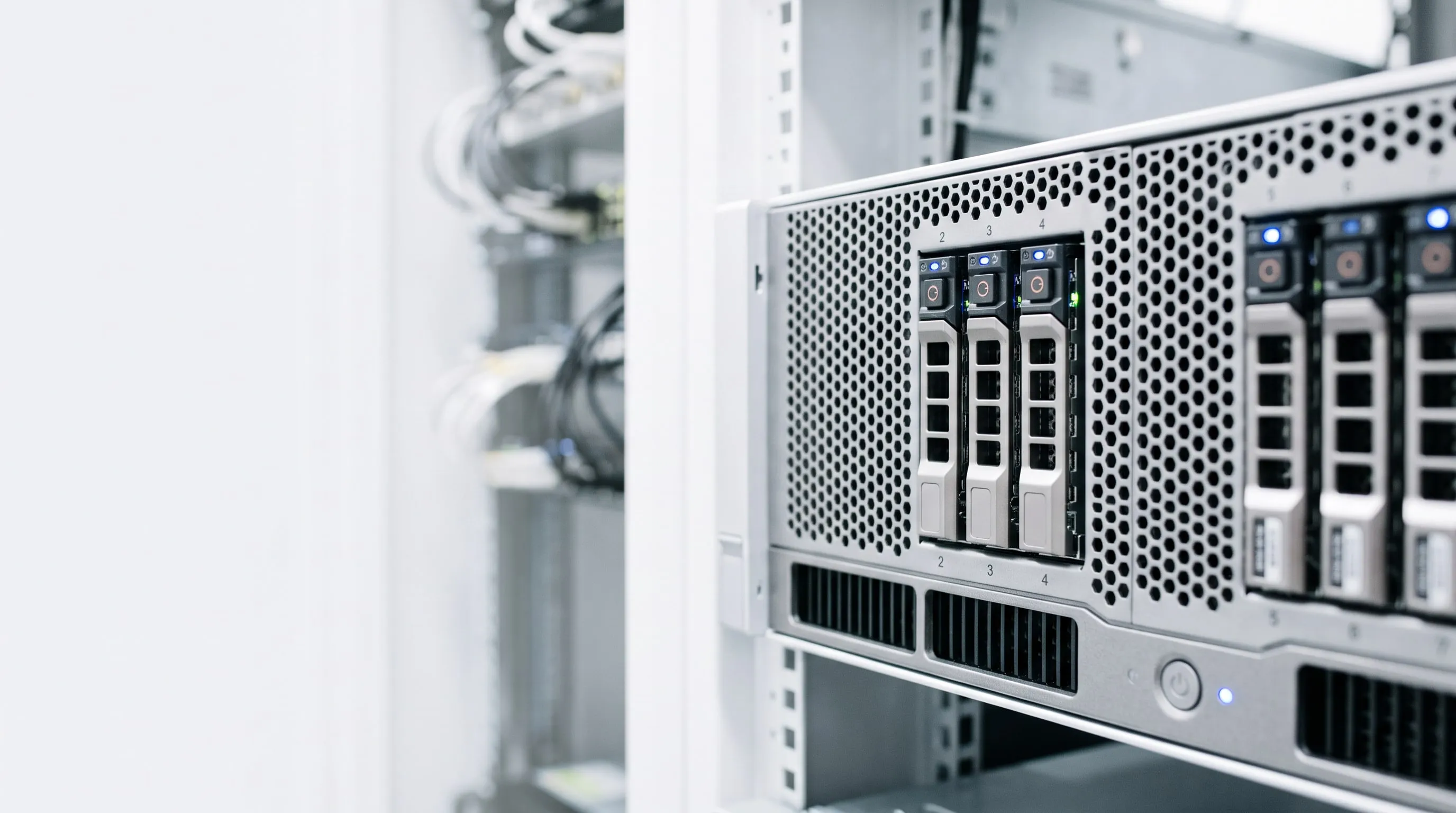
Hardware and software as a service (SPLA / CSP)
1. What does this mean in one sentence?
You don’t buy a server; you lease working IT infrastructure—the hardware, the virtualization, the network, the backup and the Microsoft licenses all in one, for a monthly fee.
The servers run in our data center environment, owned and maintained by us. You get your own separate virtual machines with full administrator rights—exactly as if the server were standing in your own server room, except that you don’t have to buy it, run it and replace it every 3 years.
2. What do you get, specifically?
2.1 Compute capacity (the hardware)
| Item | What it means |
|---|---|
| Virtual machines (VMs) | As many as you need, with defined vCPU / RAM / storage specifications |
| Enterprise server hardware | Enterprise servers with redundant power supplies, ECC memory and RAID-protected storage |
| Virtualization | Industry-standard hypervisors, optimized for their ecosystems |
| Flexible scaling | More RAM, more CPU or a larger disk, usually within a few hours, without buying new hardware |
| Maintenance without downtime | Live Migration: VMs can be moved to another physical host while running when maintenance or a hardware replacement is needed |
2.2 Network and security
- Dedicated, separate network segment (VLAN)—your machines are separated at the network level from every other client.
- Fully isolated network on request—its own virtual switch, a separate address range, physically separated from the general network. For systems that handle sensitive data (biotechnology, finance), this is a basic requirement.
- Your own firewall—a dedicated gateway where the NAT, port and firewall rules belong exclusively to your system.
- Public IP address(es)—for publishing web, FTP or VPN services.
- Site-to-site or client VPN—for securely connecting the office networks at the client’s own sites with the infrastructure in our data centers.
2.3 Backup and business continuity
- Enterprise Plus—enterprise-class backup solutions, not “a copy on an external hard drive.”
- Multi-tier backup storage—a primary repository and separate physical secondary backup targets, on independent devices in separate data centers.
- VM replication—a ready-to-run copy of critical VMs can be kept on a separate replica host, so recovery after a hardware failure is measured in minutes, not days.
- Restore testing—at an agreed frequency, documented.
2.4 Operations and transparency
- Out-of-band hardware management—we monitor the health of the hardware (power supplies, fans, memory, disks) independently of the operating system, so a failure is often caught while it is still just an early warning.
- Capacity monitoring—continuous measurement of CPU, memory and storage utilization, so a bottleneck doesn’t arrive unexpectedly.
- Regular reports filtered to your environment—on your virtual machines, resources and network settings, available through a secure interface. So you see exactly what you are paying for.
- One point of contact—no need to coordinate a separate hardware supplier, license reseller and system administrator.
3. The software license: SPLA and CSP
This is where most misunderstandings arise, so it is worth explaining separately.
3.1 SPLA – Services Provider License Agreement
Microsoft maintains a separate licensing program for service providers. Triox Hosting holds an SPLA agreement, which means:
- Licenses for Windows Server, Remote Desktop Services (RDS), SQL Server and other Microsoft products are reported and billed in the provider’s name, based on monthly usage.
- You don’t buy licenses. You don’t have to pay hundreds of thousands or millions of forints up front for software that you then amortize over years. (CAPEX)
- The license is billed as part of the monthly service fee (OPEX), according to the quantity actually used.
- Scales down and up monthly, with no mandatory commitment period and no committed quantity. If 15 people work in the system one month instead of 20, the next billing adjusts accordingly.
- Always properly licensed, always the current version. Version upgrade rights are part of the program; you don’t need to buy Software Assurance separately.
- The license audit risk is borne by the provider. Reporting the correct license quantity is our job and our responsibility, and we meet it every month with regular reporting to Microsoft Corp.
3.2 CSP – Cloud Solution Provider
We provide cloud-based Microsoft services (Microsoft 365, Exchange Online, Azure add-ons) through the CSP program:
- Monthly or annual subscription, with local support in Hungarian.
- One supplier, one invoice—the leased server infrastructure and the cloud service are not two separate sets of paperwork.
- Flexible changes to the license count when an employee joins or leaves.
3.3 If you already have your own licenses
Certain Microsoft licenses (typically with active Software Assurance or a subscription) can be brought into the leased environment under License Mobility. In that case, the license fee is removed from the monthly fee. We clarify the conditions together, based on your existing agreements.
4. If you choose this service, what don’t you have to buy?
| Category | What you would have to buy for your own server |
|---|---|
| Hardware | Server, CPU, memory, RAID controller, enterprise SSD/HDD, spare parts |
| Infrastructure | Rack, UPS and battery replacement, cooling, fire protection, physical locks |
| Network | Switch, firewall, router, redundant internet connection, public IP range |
| Software | Windows Server, CALs, RDS SALs, SQL Server, virtualization, backup software license |
| Backup | Backup device, second-site storage, backup media |
| Operations | Power (24/7), air conditioning, maintenance contract, hardware support extension |
| Labor | System administrator hourly fees for installation, updates, troubleshooting, and night and weekend on-call availability |
| Risk | The lead time for a failed part, while the company is at a standstill |
All of these are built into the monthly service fee—predictably, as a single line item.
5. The financial and tax advantage: OPEX instead of CAPEX
5.1 Your own server: capital expenditure (CAPEX)
If you buy a server and the software licenses that go with it:
- You have to pay the full purchase price immediately—the money leaves the company in one lump sum.
- The asset must be capitalized in the books: an asset with an individual purchase value above 100,000 HUF cannot be expensed all at once.
- The cost appears spread over years, in the form of depreciation.
- You paid today, but it reduces your tax base only over years, in installments.
- On top of this comes the administration of the asset register, inventory counts, annual depreciation calculations and, at the end, disposal.
- If you finance it with a loan or lease: interest, collateral, a burden on your creditworthiness.
- In the fourth or fifth year—when the machine is already off the books—you have to start all over again.
5.2 Leased infrastructure: operating expense (OPEX)
IaaS is billed as a service used:
- ✅ The monthly fee is an expense of that period—not an asset purchase, no capitalization needed.
- ✅ Reduces the tax base in full, immediately, in the year it is incurred.
- ✅ VAT can be deducted monthly, on an ongoing basis—you don’t have to pre-finance the VAT on a large investment.
- ✅ No fixed-asset register, inventory, depreciation calculations or disposal.
- ✅ Predictable, plannable cash flow—a recurring monthly item of consistent size.
- ✅ Does not burden your creditworthiness—it is neither a capital investment nor asset financing.
- ✅ The risk of technological obsolescence is the provider’s. When the hardware ages, we replace it.
5.3 Comparison
| Own server (CAPEX) | Leased infrastructure (OPEX) | |
|---|---|---|
| Payment | In one lump sum, up front | Monthly, evenly |
| Cost accounting | Spread over years, through depreciation | Immediately, in full |
| Tax base reduction | In installments, over years | In the year incurred, in full |
| VAT | Pre-financing one large amount | Deducted monthly, on an ongoing basis |
| Bookkeeping burden | Capitalization, depreciation, inventory, disposal | One incoming invoice |
| Obsolescence risk | Yours | Ours |
| Scalability | Requires a new purchase | Adjustable monthly |
| License risk | Yours (audit) | Ours (SPLA reporting) |
Important: This information is a general overview and does not constitute tax advice. Please consult your accountant or tax advisor about the specific accounting treatment.
6. When is it especially worthwhile?
IaaS is typically the best choice if:
- Your current server is aging—the cost of replacing it would hit now, in one lump sum.
- You have no in-house system administrator, or all of your IT depends on one person’s knowledge.
- You have no suitable server room—a server standing in the corner of the office is exposed to heat, dust, power outages and physical theft.
- Demand is growing or fluctuating—project-based workloads, seasonality, rapid growth.
- Backup and recoverability matter, but until now there has been no dedicated solution or tested process for them.
- You want predictable IT costs instead of unexpected hardware failures.
- For tax base optimization, an ongoing expense is more advantageous than multi-year amortization.
7. How does the service start?
- Needs assessment—what systems you run today, how much capacity you need, what availability you expect.
- Quote—based on a specific VM configuration, storage, network, backup level and license needs, with an itemized monthly fee.
- Contract and SLA—availability, response time, backup and retention rules set down in writing.
- Migration—moving your existing systems on a pre-agreed schedule, with minimal downtime.
- Handover and operations—handover of access, documentation, regular reports.
8. Frequently asked questions
Is my data in the same system as other clients’ data? Your virtual machines are yours alone, and they run in a dedicated, separate segment at the network level. For particularly sensitive environments, we can also provide a fully isolated network.
What happens if I cancel the service? Your virtual machines and data can be handed over in exported form, so you can keep running them elsewhere or in your own environment. The exact terms are set out in the contract. SPLA licenses cannot be transferred, because they are service provider licenses.
Who owns the data? The data is always yours. We provide storage and operations services for it.
Can I get administrator rights on my own machines? Yes. You get full administrator access in the guest operating systems if you need it. The hypervisor and the physical infrastructure remain our responsibility.
What happens if the hardware fails? We monitor the hardware continuously, out of band. Virtual machines can be moved to another physical host while running, and a ready-to-run replica can be kept for critical systems.
Is backup included in the price? Basic backup is; the retention period, backup frequency and extent of replication can be expanded to fit your needs, which is covered in the quote and then in the contract.
9. Contact
To request a quote, approximate figures are enough:
- how many users work in the system,
- what applications you run (e.g. business management system, database, file server, terminal server),
- how much data you handle,
- how much downtime you can tolerate.
Based on this, we prepare a specific, itemized quote.
This document is for information only. It does not constitute tax advice and does not replace individual contract terms.